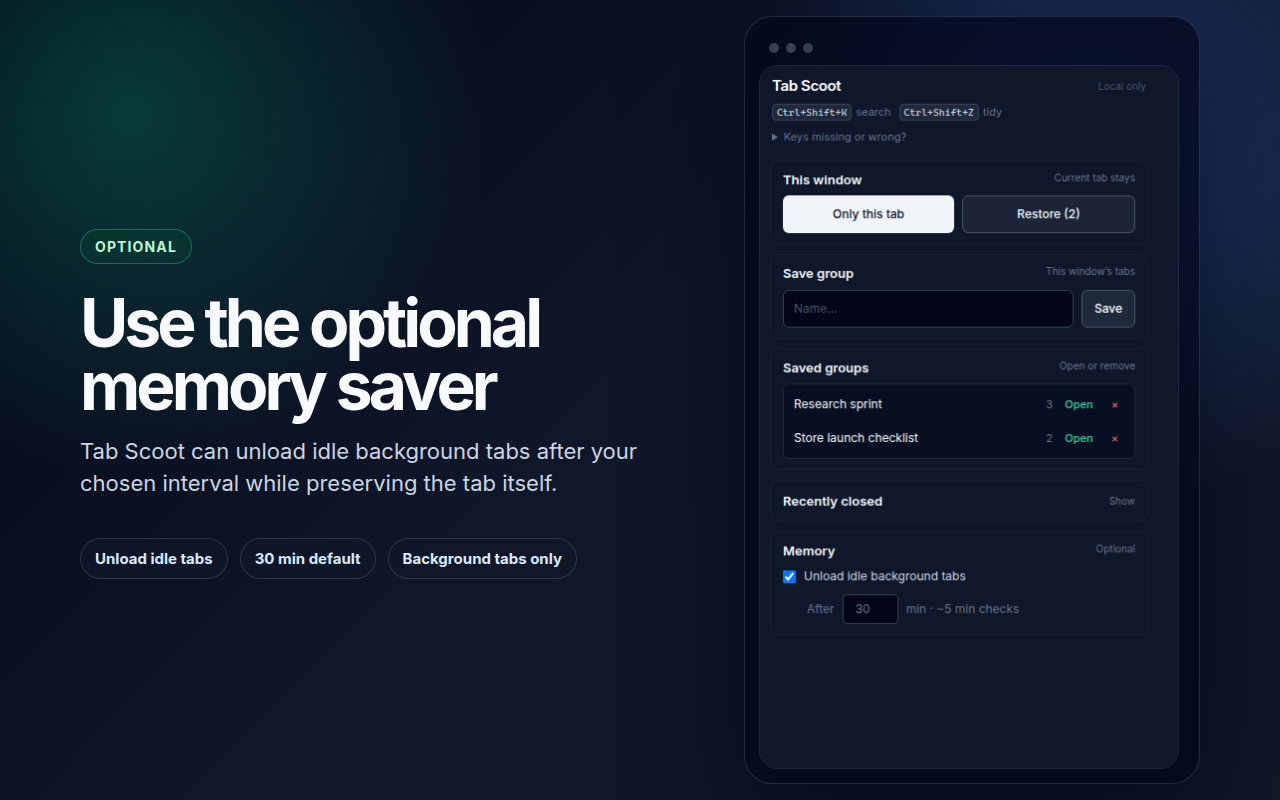
Set-aside (Zen)
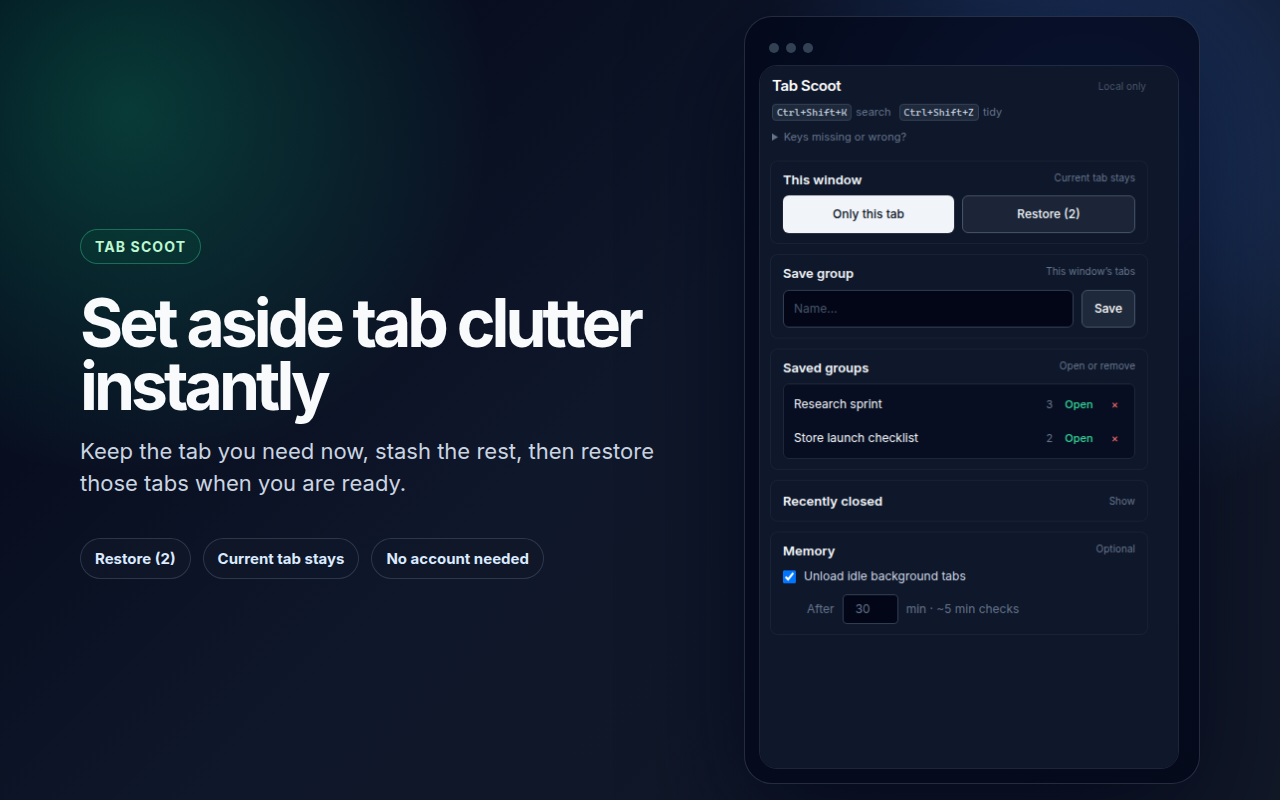
Keep only the active tab in this window; stash the rest to reopen when you’re ready.
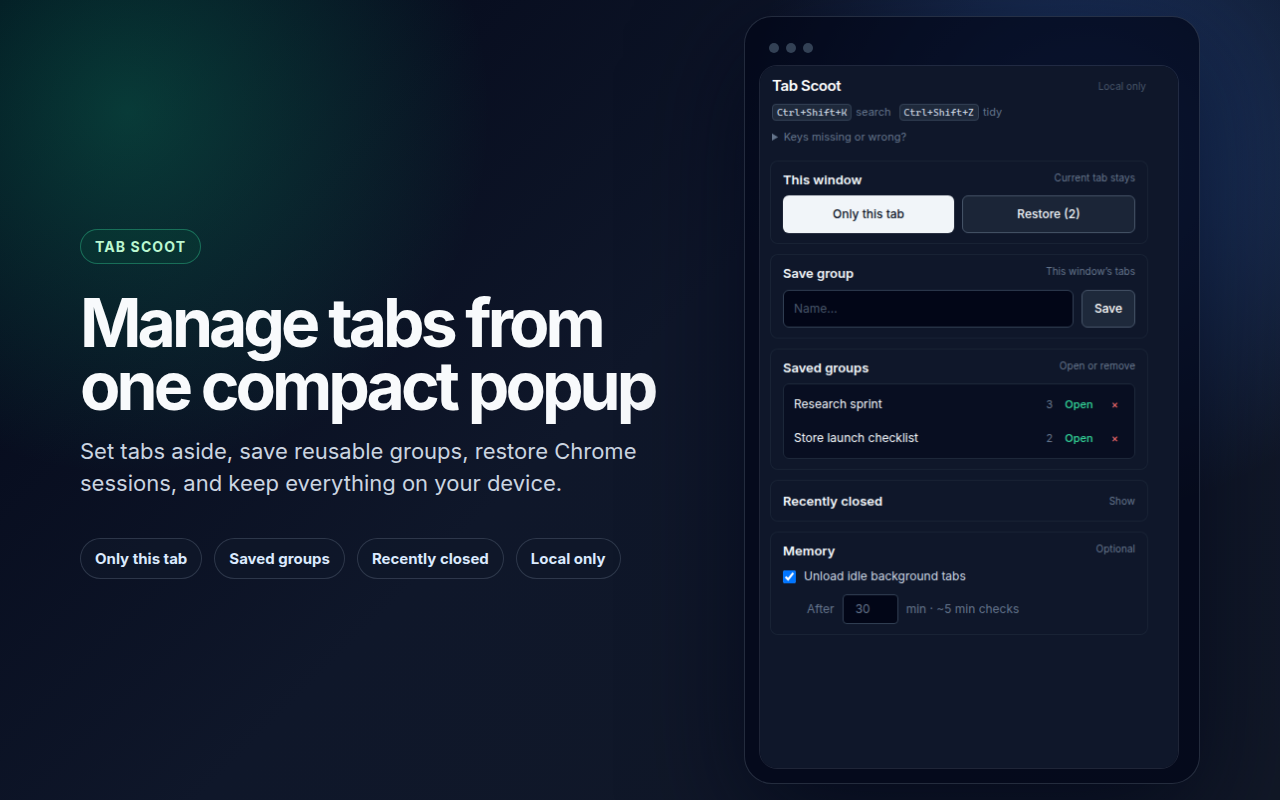
Tab Scoot helps you tidy Chrome with set-aside mode, saved tab groups, a fuzzy search palette, recently closed, and an optional memory saver — with no account and data that stays on your device.
Screenshots below are the same assets used for store listing previews.
Everything runs in Chrome: a popup for stash and groups, keyboard shortcuts for zen mode and the palette, and optional background tab discard — aligned with a single tab-management purpose.
Keep only the active tab in this window; stash the rest to reopen when you’re ready.
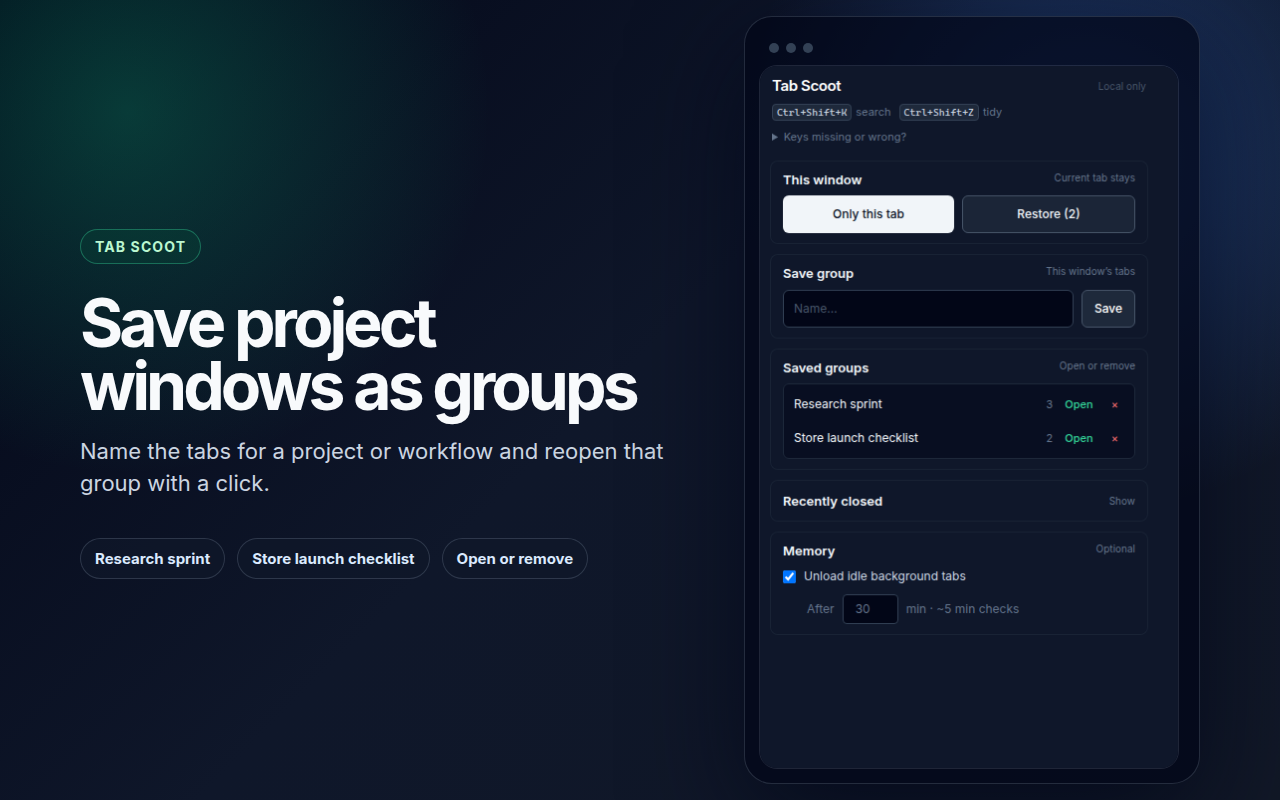
Name a snapshot of this window’s tabs and restore it later from the popup.
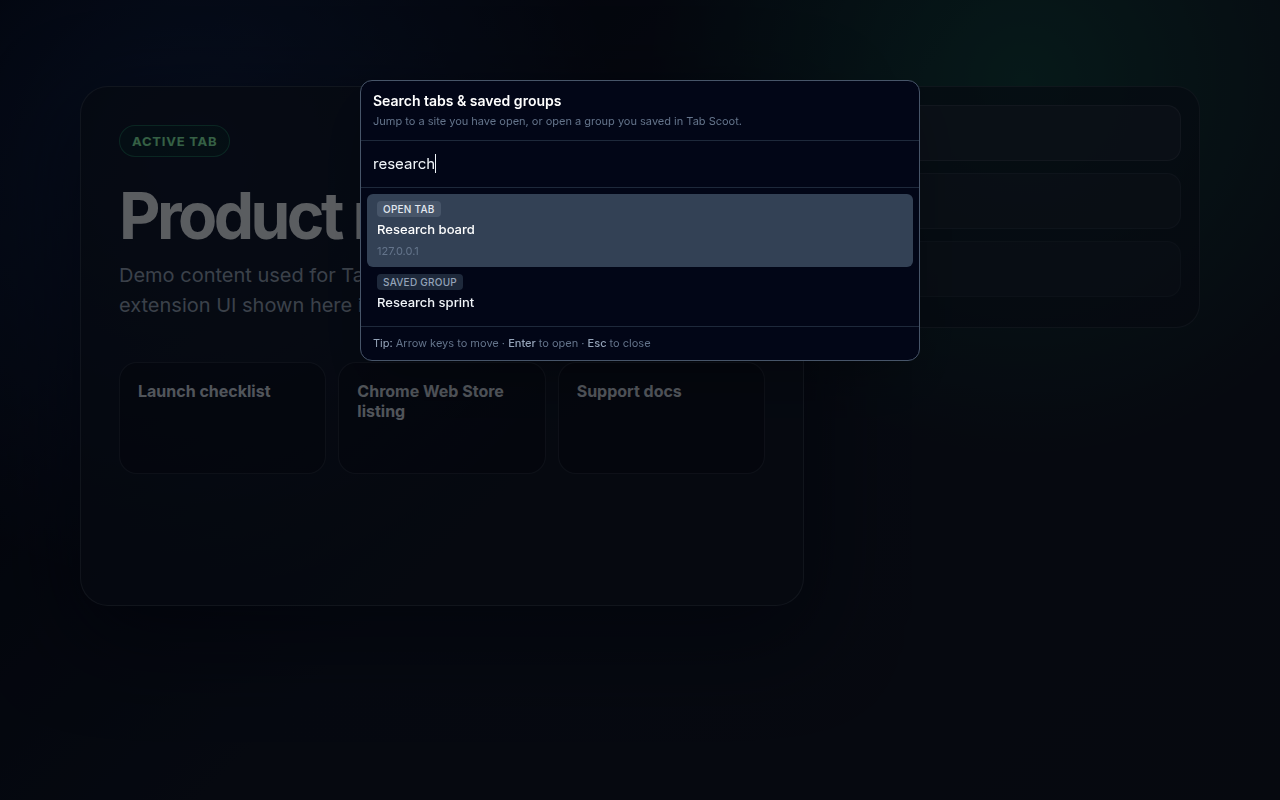
Fuzzy search across open tabs and saved groups. Assign shortcuts under chrome://extensions/shortcuts.
Uses Chrome’s own recently closed list — restore in one click from the popup.
When enabled, discards eligible background http/https tabs to reduce RAM (Chrome discard — click to reload).
Stash, groups, and preferences use chrome.storage.local — no project-operated cloud in this product.
Pulled from the same store-assets/chrome-web-store/screenshots set used for Chrome Web Store
graphics — copied into this site’s assets/screenshots so GitHub Pages stays self-contained.